Translate YouTube Subtitles and Descriptions with AI: Save Time and Reach a Global Audience
Hi! We're the Creator Tools team — we build tools for content creators that save time and help them grow. Here is how to translate your YouTube subtitles and descriptions with AI so that they reach viewers in other languages without manual work. New to translating? Start with how to translate your YouTube channel.
What Is Optimized Translation?
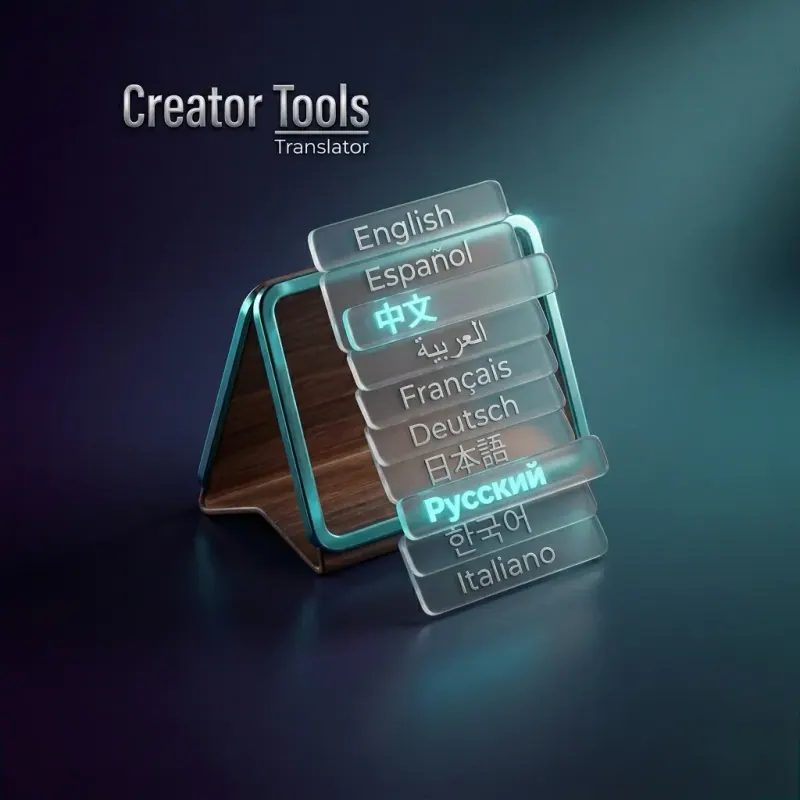
Want to share your content with the world but find yourself buried in translation work? Our optimized translation process is built to remove that bottleneck entirely. With a single service, you can translate video descriptions and subtitles into multiple languages automatically, based on your chosen plan — so you can focus on what actually matters: making great content.
Why It Makes a Difference
- Time savings — Users report saving several days per month on translation tasks alone. Kohan Galanych, one of our users, said Creator Tools saves them multiple days every month.
- Creative focus — Reclaim the hours you were losing to repetitive, demotivating translation work and put them back into content creation.
- Maximum convenience — Subtitle translation into your target languages runs automatically, requiring no manual effort after setup.
How It Works
- Create your content — Record and publish your video as usual.
- Automated translation — Creator Tools translates your subtitles and descriptions into your selected languages.
- Get your time back — Gain dozens of free hours each month to invest in creativity and growth.
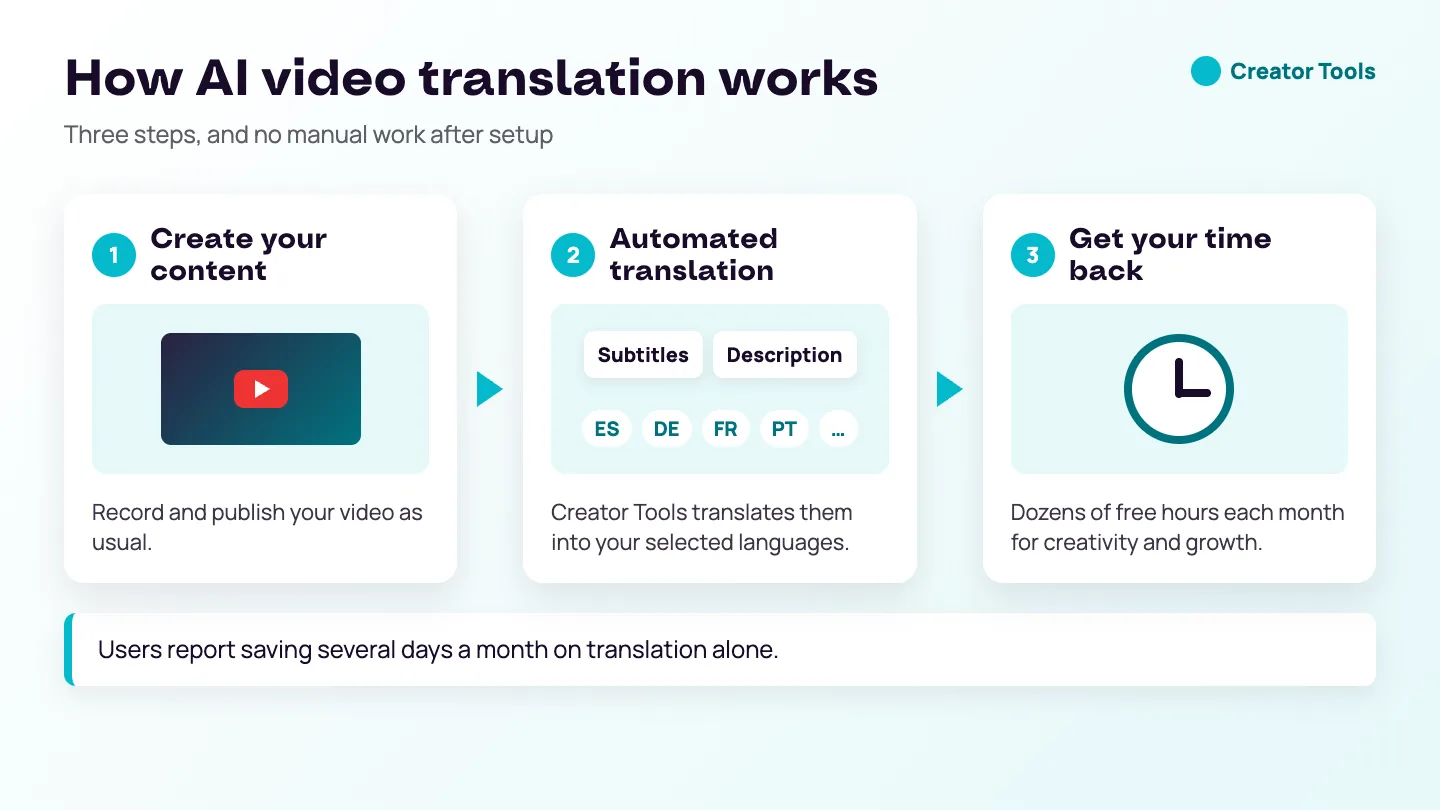
One user reported saving multiple days every month just by switching to automated subtitle translation.
How to Prepare Your Subtitles for AI Translation
AI translation saves the most time when the source text is clean. Creator Tools translates the subtitle tracks your video already has; it does not create subtitles from the audio. So the first step happens before any translation:
- Make sure the video has subtitles in its original language. If it has none, create them first — with YouTube's automatic captions or the caption tool in your editor. The free course lesson on editing your YouTube videos shows how to create captions while you edit and keep them as a file.
- Correct the obvious errors. Automatic captions often get names, brands and specialised terms wrong. One wrong word in the source becomes one wrong word in every language.
- Add punctuation. Sentences without full stops are harder to translate accurately, because the meaning depends on where one thought ends and the next begins.
- Keep lines short. Short subtitle lines are easier to read in any language, and some languages need more space than others for the same idea.
Settings That Make Translations Better
- Tone. Choose a tone that matches your channel — a relaxed one for vlogs, a formal or scientific one for tutorials and business videos.
- Protected words. Wrap names, brands and catchphrases in [[double brackets]] and they stay exactly as written in every language.
- Hashtags. Decide per job whether hashtags are translated along with the text or kept as they are.
- Language sets. Pick ready-made sets of 50, 60, 70, 90 or 110 languages, all 143 at once, or whole continents, instead of ticking languages one by one.
Before you translate a whole series, run one video first and ask a viewer or friend who speaks one of the target languages to read the title and a few subtitle lines. Five minutes of checking can save a hundred corrections later.
A Routine That Keeps the Time Savings
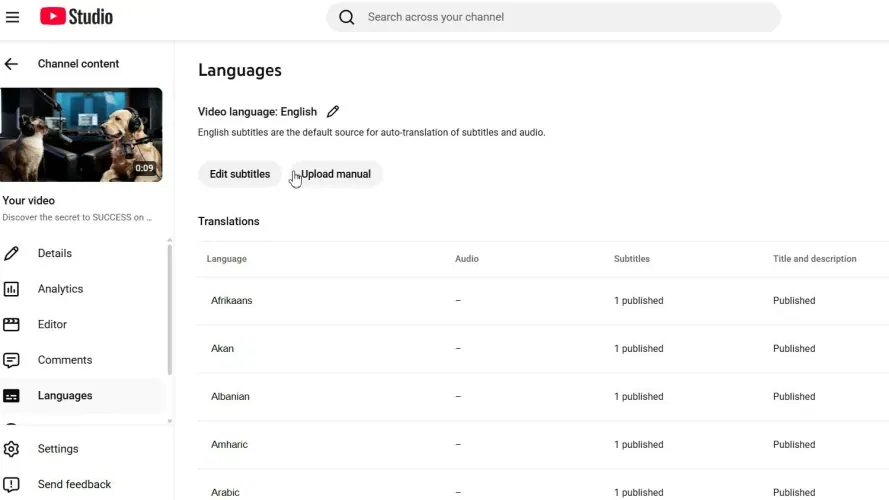
The hours come back when translation becomes a fixed step rather than a project. A simple routine: publish the video, correct the original subtitles the same day, then translate the title, description and subtitles in one run. For older videos, work through the back catalogue in batches, starting with the videos that still get views, and let the translations upload to YouTube Studio while you work on something else.
Mistakes That Waste the Time You Saved
- Translating uncorrected automatic captions and then fixing errors in every language separately.
- Choosing every language for every video, including topics that only make sense locally.
- Forgetting to protect brand and product names.
- Editing the original subtitles after translation without updating the translations.
Try AI Subtitle Translation for Free
Ready to reach a global audience without the translation grind? Try Creator Tools for free and see how quickly you can expand your reach — and your productivity.
The world audience is in your hands.
AI Translation for YouTube: FAQ
Can AI translate YouTube videos?
Yes, its text. Creator Tools translates a video’s subtitles and description into your selected languages automatically, with no manual effort after setup; the audio is not changed.
Can I translate YouTube videos with AI for free?
Creator Tools Translator has a free trial: 300 translations for 1 month, no credit card needed.