YouTube Localization: How Translated Titles and Descriptions Increase Views
Hi! We're the Creator Tools team — we build tools for content creators that simplify their workflow and help them grow their earnings. Here is how YouTube localization of titles, descriptions and subtitles brings in native traffic from other countries and helps increase views. For the steps, see how to translate your YouTube channel.
What Is Native Traffic?
Native traffic refers to all views your video receives from within the YouTube platform by registered users. This includes views from the home page, recommendations, and the related videos column — the organic engine that drives real channel growth.
Why Localization Matters
YouTube's algorithms actively reward creators who produce localized content. By translating and adapting your videos for different countries, you can dramatically expand your reach and engagement across borders.
Why you should bet on localization:
- Global audience growth — reach viewers in countries you've never targeted before
- Unpredictable viral potential — any country could be the one where your video takes off
- Niche topics included — even specific niches like education or cooking attract international viewers through localization
How Localization Drives Native Traffic
Localization works on several levels at once:
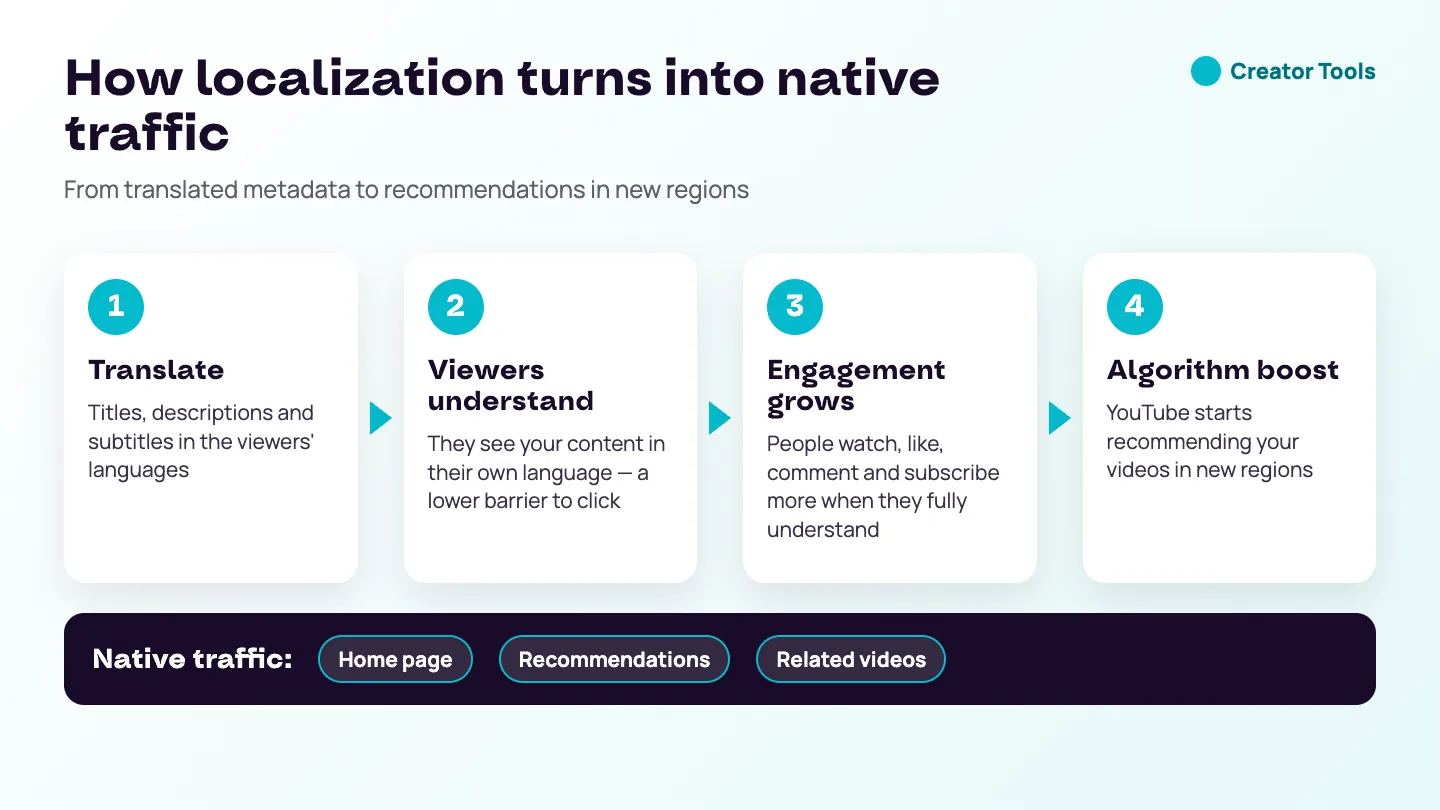
- Native-language descriptions — viewers see your title and description in their own language, lowering the barrier to click
- Higher engagement — people are far more likely to watch, like, comment, and subscribe when they fully understand the content
- Algorithm boost — as international engagement grows, YouTube begins recommending your videos in new regions automatically
A Step-by-Step Localization Plan
- Pick the videos with staying power. Start with videos that still get steady views months after publishing. They have already proved the topic works; localization gives them new audiences.
- Look at who already watches. In YouTube Studio Analytics, check viewer geography and subtitle languages. Countries that watch without any translation are your easiest wins.
- Choose a short list of languages. Three to five languages are enough for a first test. Add languages spoken across many countries if your topic is universal.
- Translate the title first, then the description and subtitles. The title is what viewers see on the home page and in recommendations; the description and subtitles keep them watching once they click.
- Fix the source before translating. Correct names and terms in your original subtitles, so errors are not copied into every language.
- Wait, then compare. Give the translations several weeks before judging them, and compare each country with its own numbers before the change.
Translation or Localization?
Translation changes the words; localization makes sure the message still works for the viewer. Most of the time an accurate translation of the title, description and subtitles is all a video needs. But check the parts that depend on place: prices in one currency, units of measurement, local brand names, jokes based on wordplay, or links to a store that does not ship abroad. A short note in the translated description — "prices shown are for the US" — often helps more than rewriting the video.
How to Measure the Effect
Track three things for each translated video: views and watch time from the new countries, the traffic sources those viewers come from — browse features and suggested videos show that native traffic is growing — and the share of viewers who switch on your translated subtitles. If one language clearly brings viewers, translate more of your catalogue into it. The free course lesson on YouTube Analytics: CTR, retention and traffic sources explains how to read each of these reports.
Common Localization Mistakes
- Translating only the title, so viewers click and then cannot follow the video.
- Translating everything into every language at once and having no way to tell what worked.
- Judging results after a few days, before YouTube has had time to show the video to new audiences.
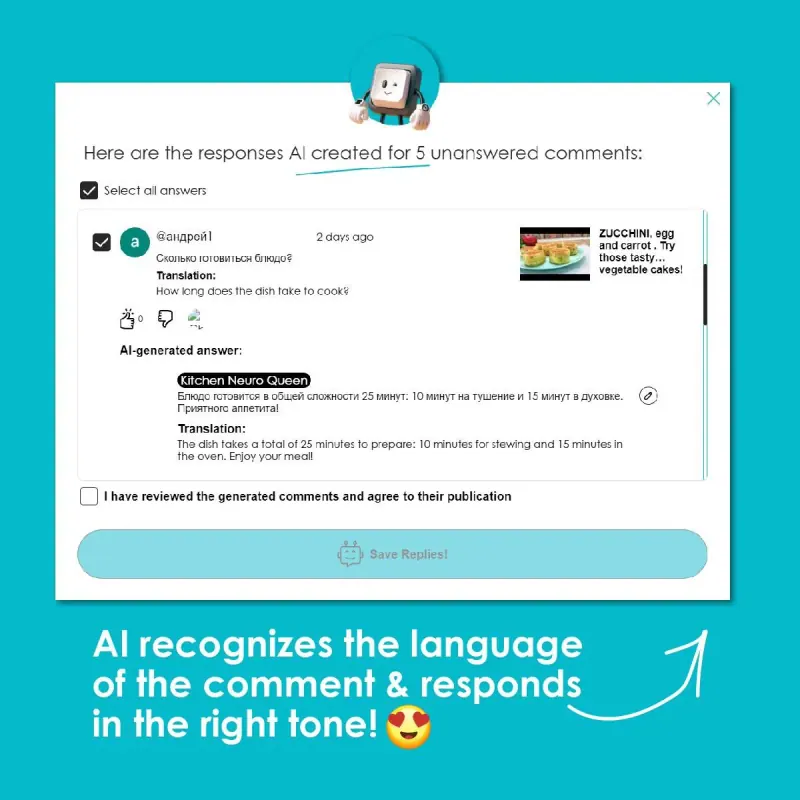
- Ignoring the comments that arrive in new languages — a quick reply shows new viewers they are welcome.
How Creator Tools Can Help
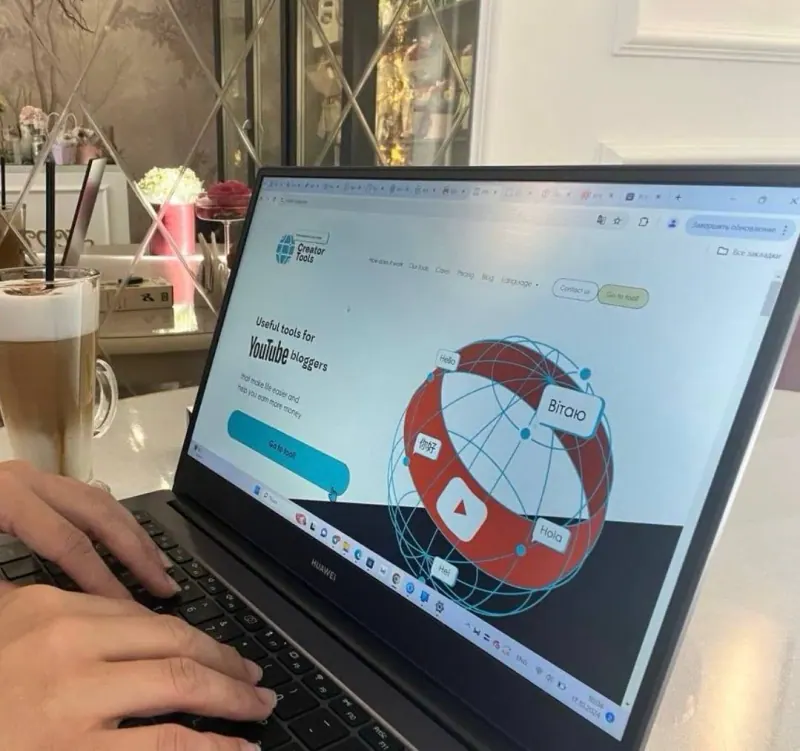
Creator Tools is built specifically to make localization seamless. The platform translates subtitles and video descriptions into over 140 languages, so your content is always ready for a global audience.
Key benefits:
- Expanded reach — attract viewers from around the world without manual effort
- Higher engagement rates — increase the likelihood of likes, comments, and new subscribers
- Better recommendations — YouTube promotes your content in new regions, accelerating overall channel growth
Take Action Now
The world audience is in your hands — try Creator Tools for free and start turning your channel into a global presence.
By leveraging localization, you can transform your YouTube channel into an international sensation. Don't leave that audience on the table.